
Set it up
Cover art and details, done once.
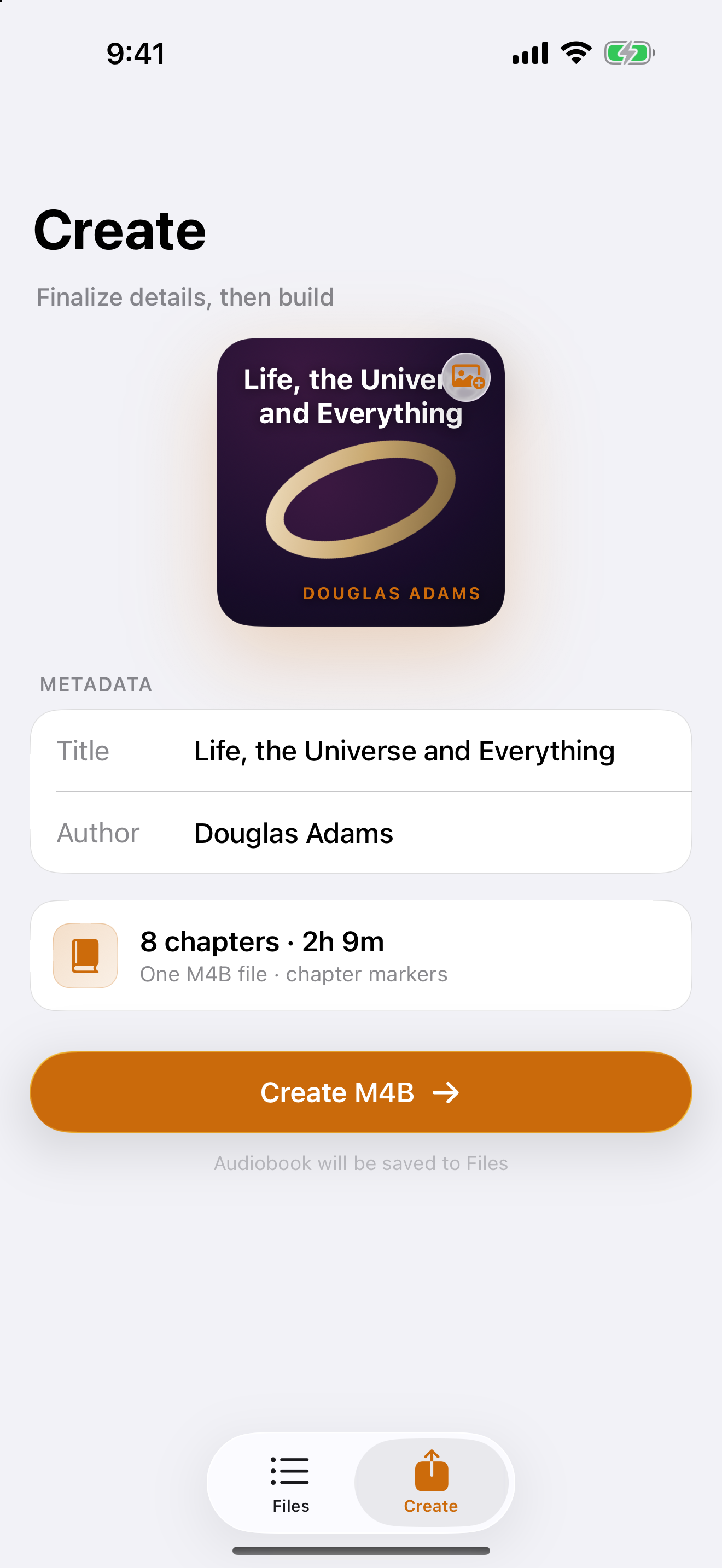
Drag in any image for the cover, set the title and author, and Binder writes it all into the file so your library stays tidy.
JPG / PNG covertitle + author
Binder binds your audio files into one tagged M4B — cover art, a chapter per file, and full quality preserved. Then play it in Books, or anywhere.
Drag in any image for the cover, set the title and author, and Binder writes it all into the file so your library stays tidy.
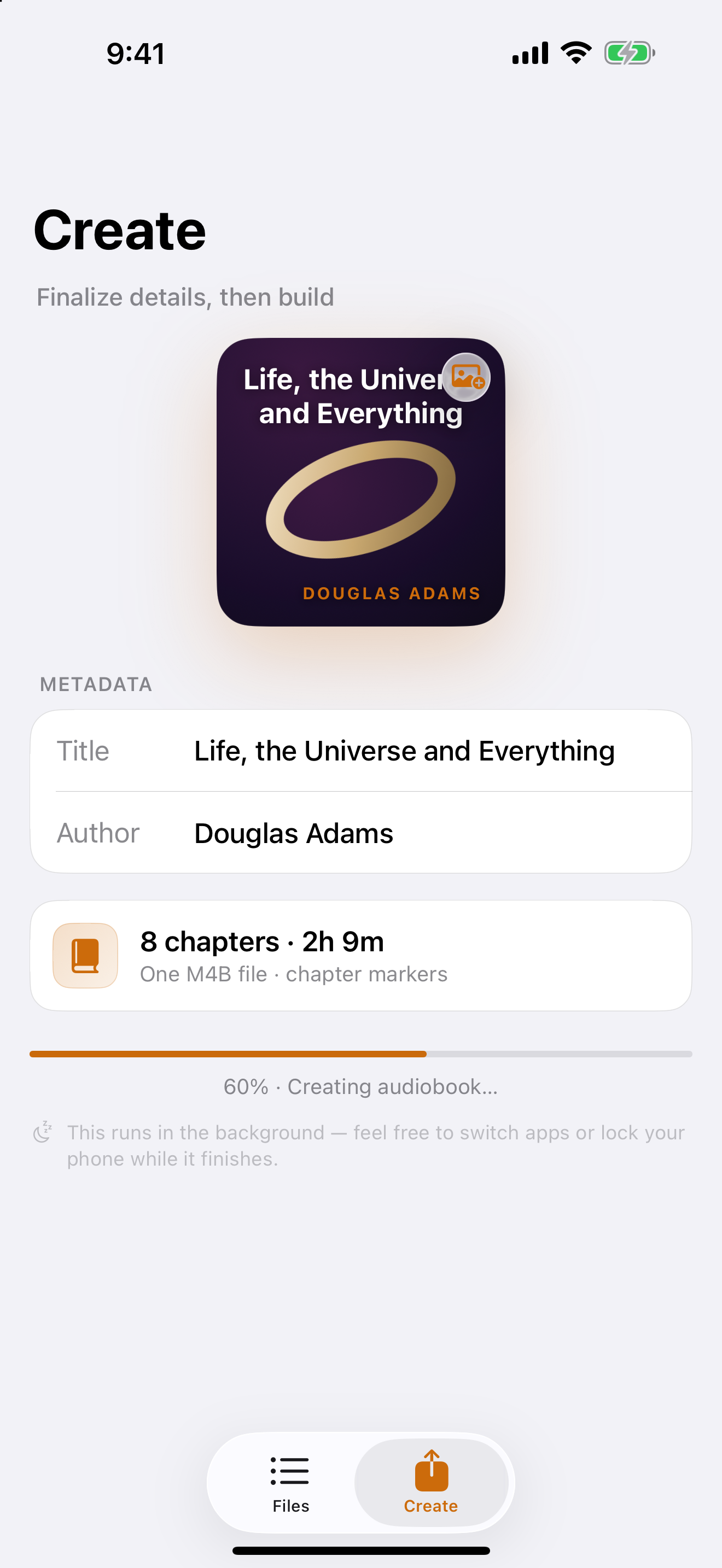
Start the export and keep going — Binder finishes the job even while you switch apps or lock the screen.
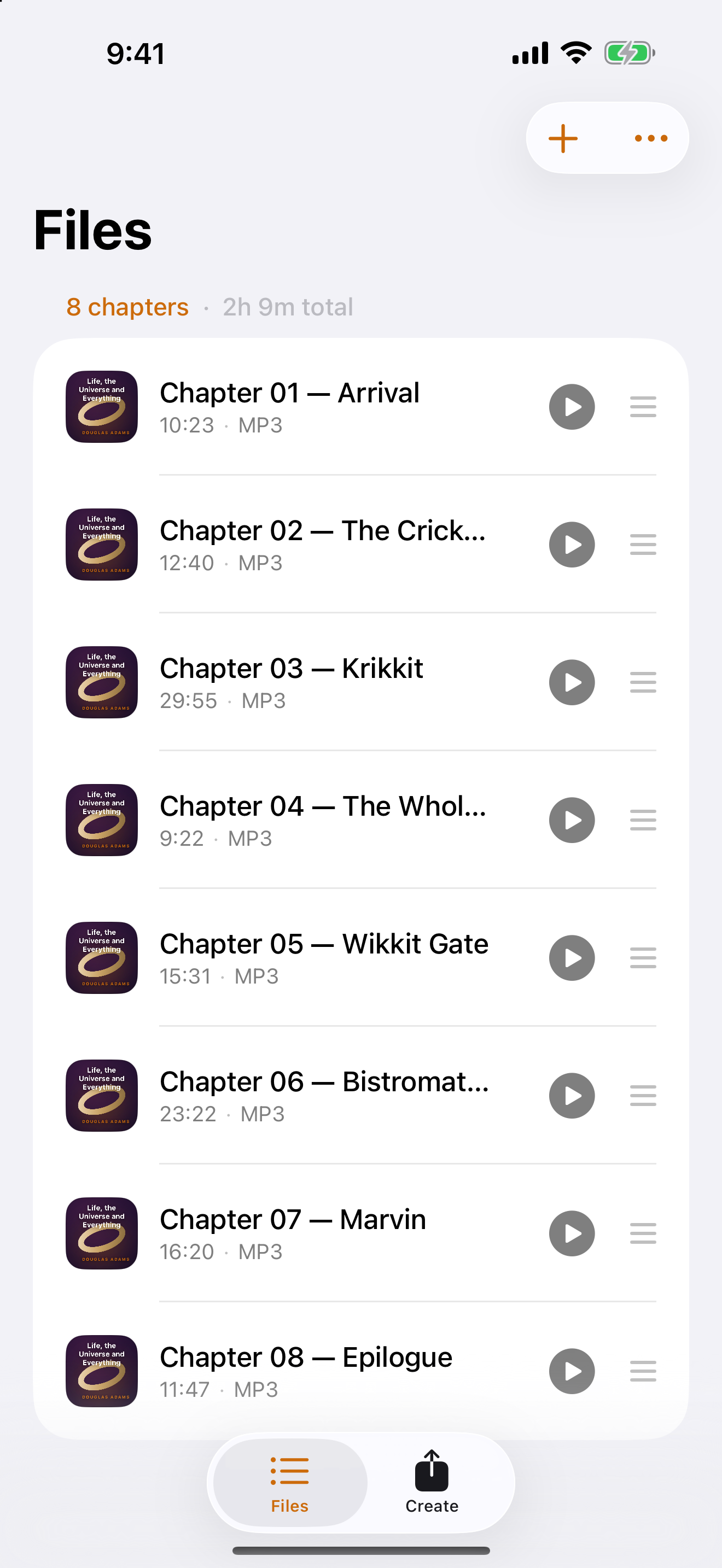
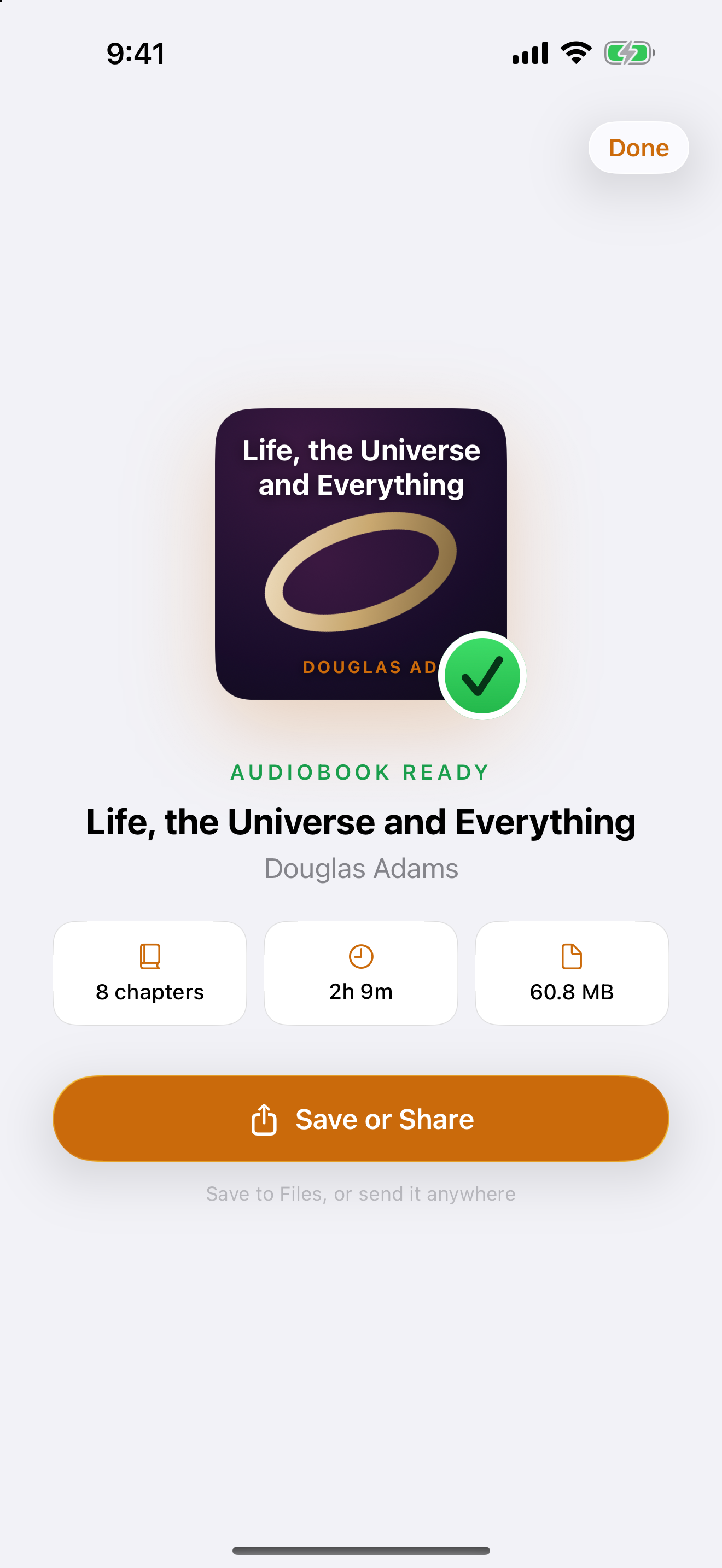
Every file becomes a labeled chapter, so you can skip, scrub, and resume right where you left off. Save it to Files or send it anywhere.
Drag a folder of chapters straight in. A real Mac app — fast, private, and at home on macOS.
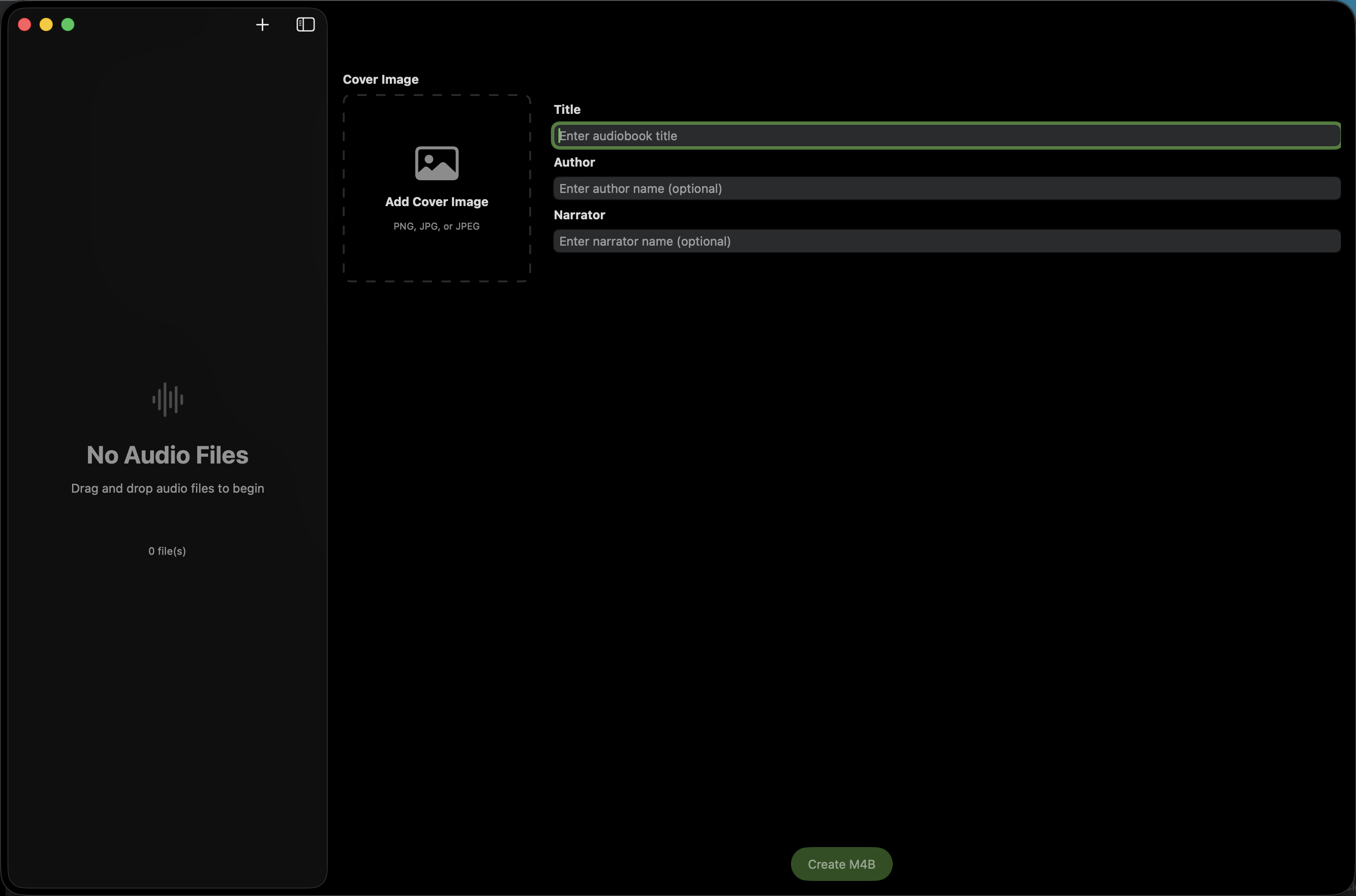
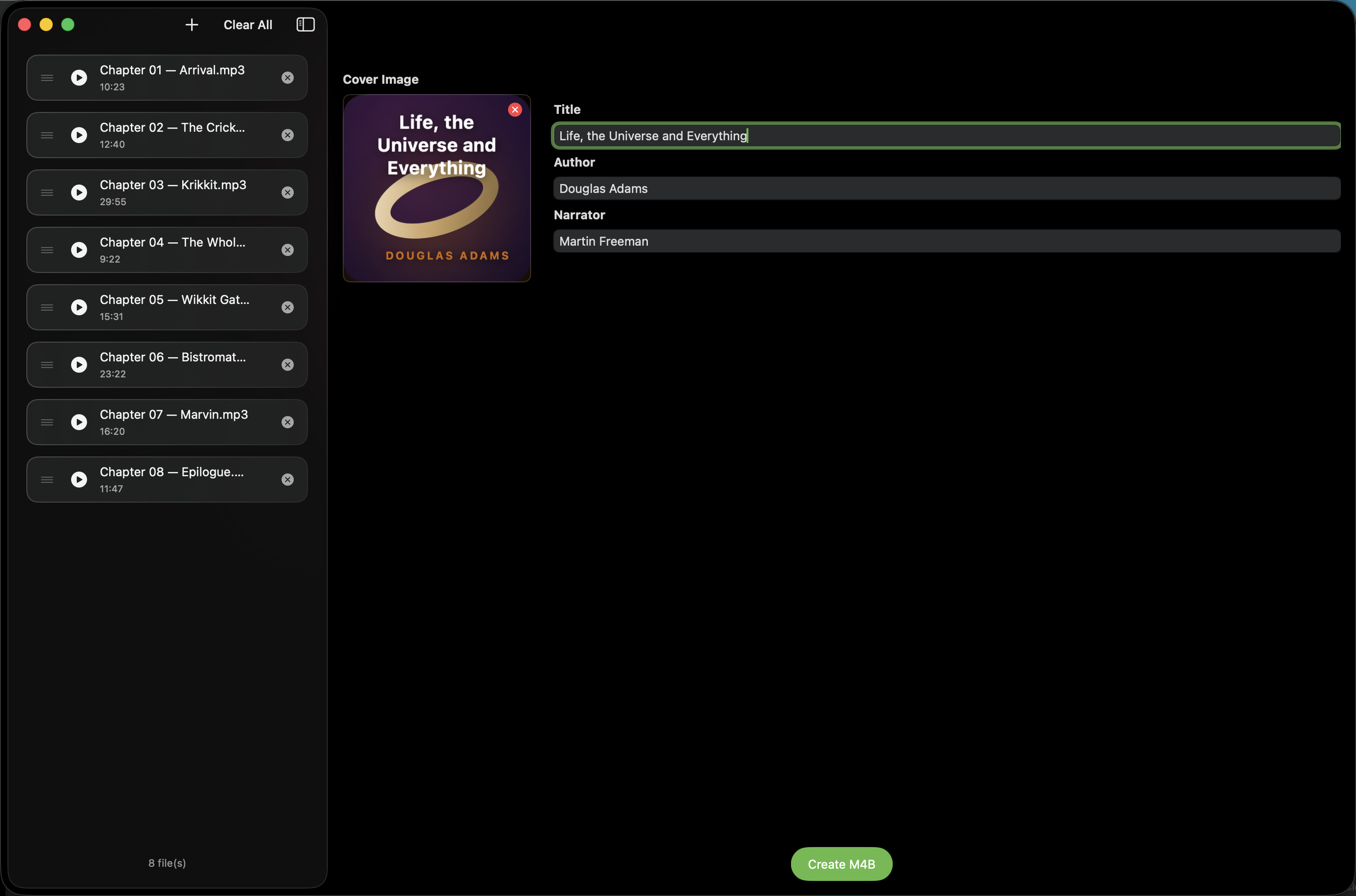
Drop your audio files, or a whole folder of chapters, right onto the list.
Right-click a folder in Finder ▸ Create Audiobook with Binder — no need to open the app first.
Every book opens in its own window, so you can line up and build several at once.
Drag rows up or down to set the running order before you bind.
Pull any JPG or PNG onto the cover well; it’s written straight into the M4B.
Hidden title bar, real macOS vibrancy, and it keeps exporting in the background while you work.